 SwapFont
Preview a different font.
Right on the page.
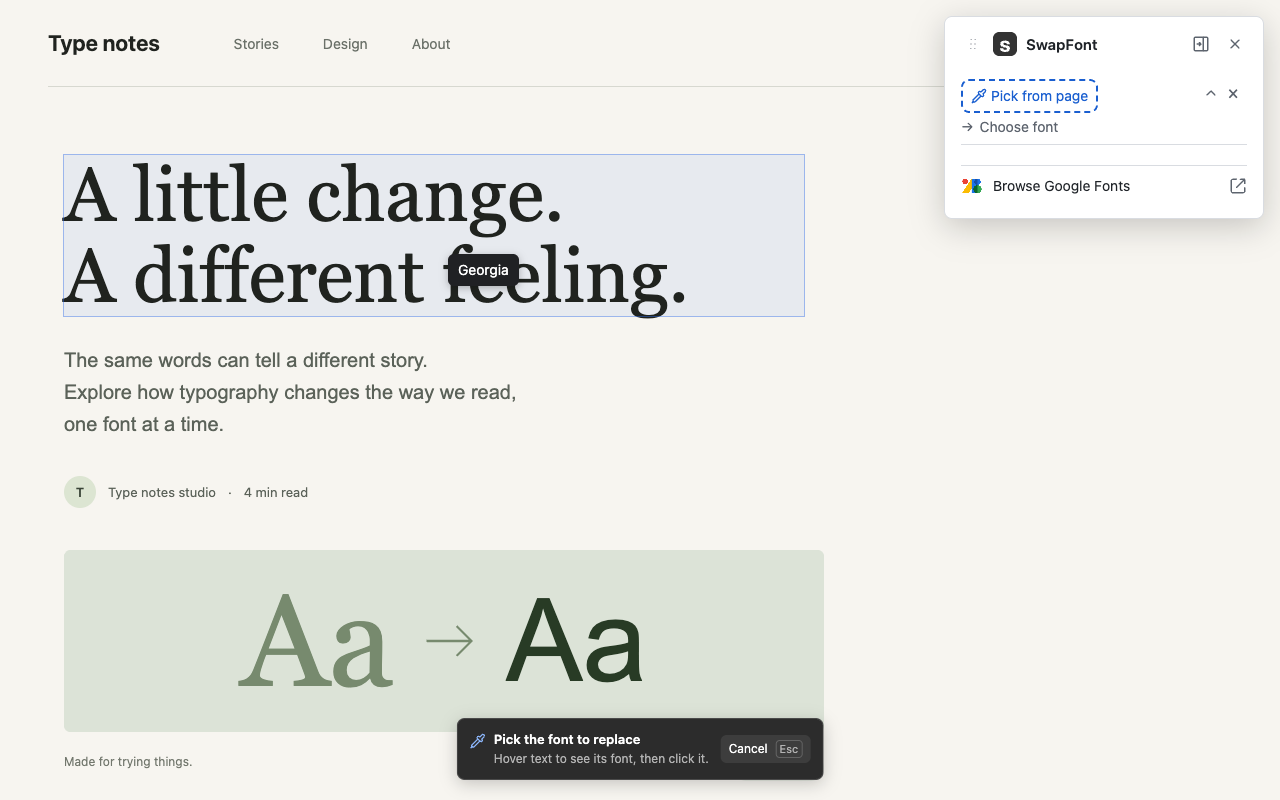
Click text to see its font, then choose a Google Font or another font already on the page. The change applies instantly. Try several fonts together, edit them, or undo everything.
Pick one. Pick another.
Pick text
Hover over words to see their font name. Click the text whose font you want to replace.
Choose a font
Search Google Fonts, or pick a replacement already on the page. There is no Apply button.
Keep exploring
Add another pair, change a replacement, remove one swap, or undo all. Enable Remember for this site to keep your main-page font pairs on future visits. Otherwise, reload restores the original page.
Your choice of panel
Keep the controls in Chrome's side panel, or float them over the page and drag them where you want. Switching keeps your active swaps.
A local preview
SwapFont has no account or behavioral analytics. Page text stays in your browser. It checks omshejul.com for catalog updates when opened and downloads fonts from Google Fonts. These services receive normal connection information.
Read the privacy policy